
Frontline Reps
Sell quicker with Airspeed
Airspeed preps your calls, writes your CRM notes, and surfaces your next move, so you can spend your time selling, not on busywork.
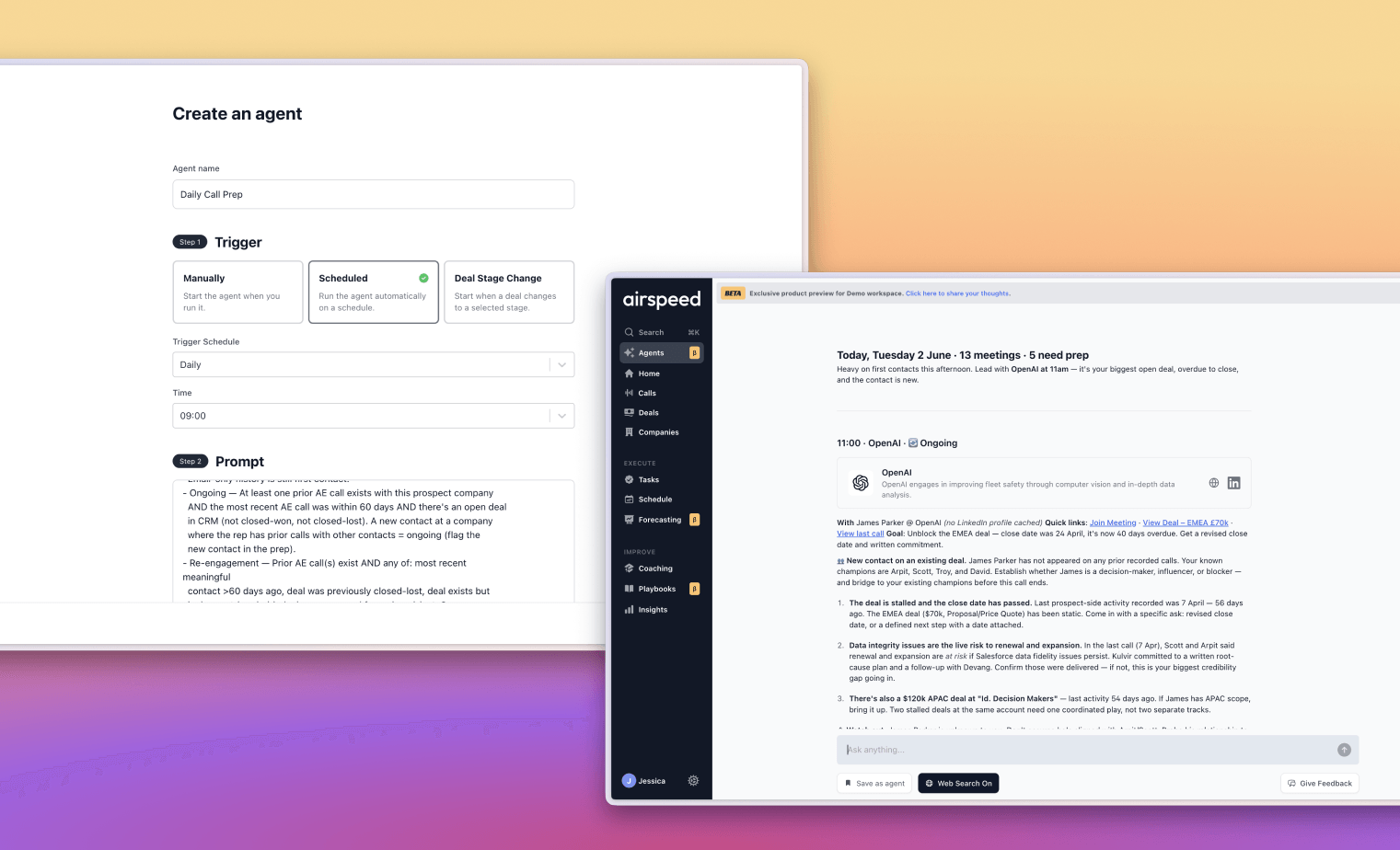















Call prep
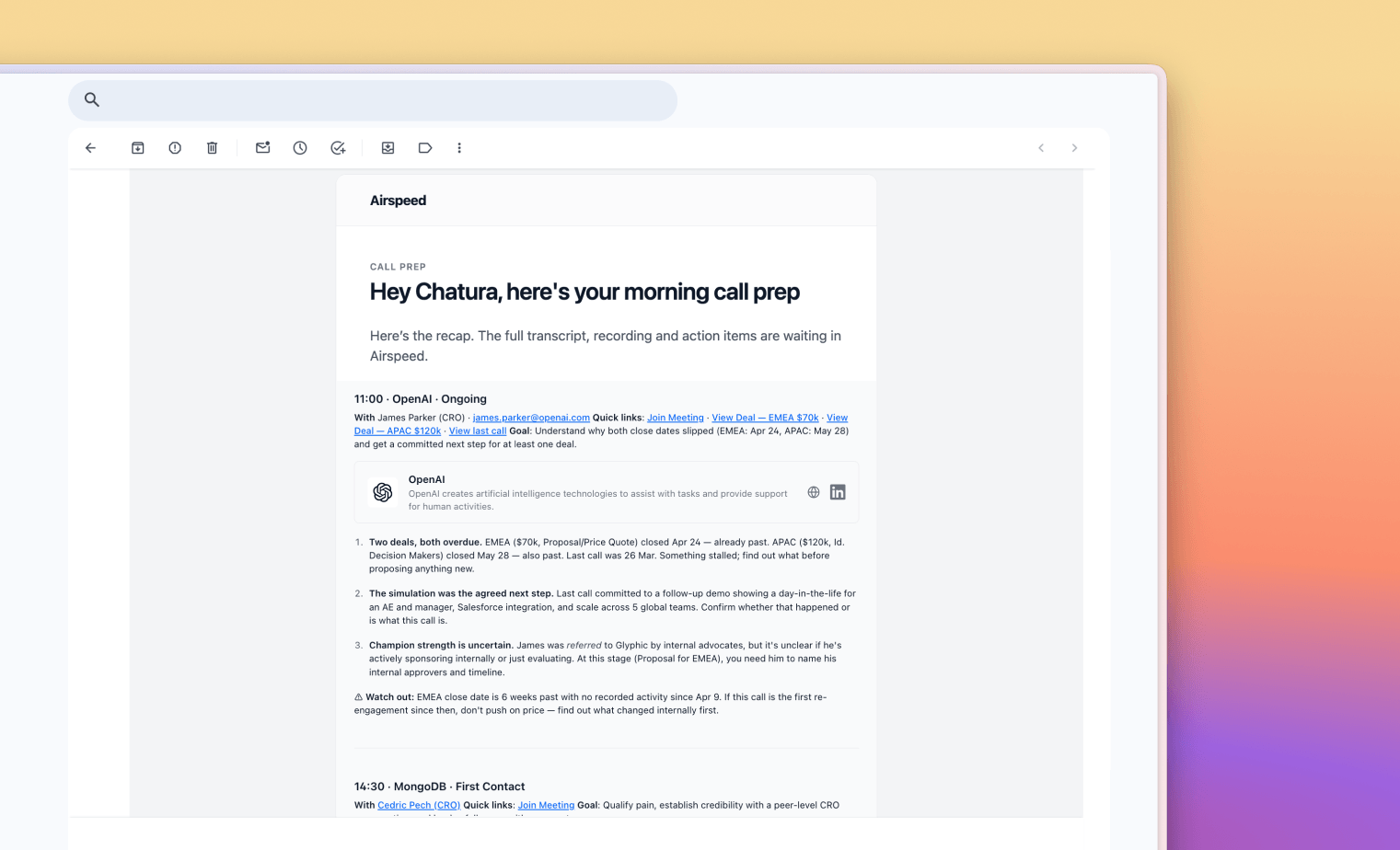
Walk into every call fully briefed
Airspeed remembers every conversation your team has had with an account, then pulls the context that matters into a ready-to-use briefing before each call. Before you dial, it searches the web for the latest on your prospect and maps everyone in the meeting, so you show up with a point of view, not just a summary.
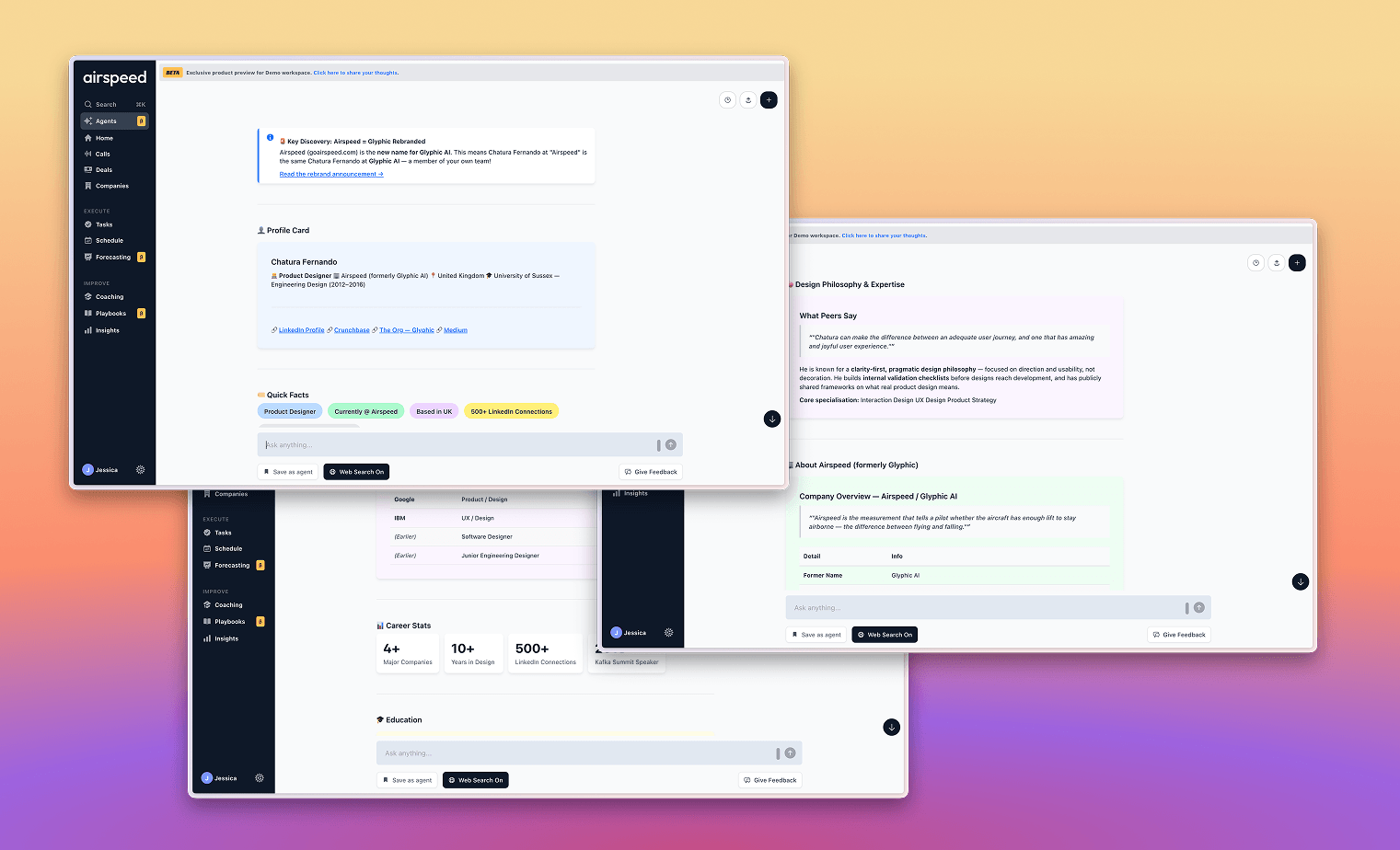
Similar deals & win/loss
Show up with your whole org behind you
Gong tells you what happened on your last call. Airspeed tells you what happened on every similar deal your team has ever run. Before a meeting, it surfaces the patterns: what objections this type of buyer raises, what messaging lands, and what your win rate looks like in this segment.
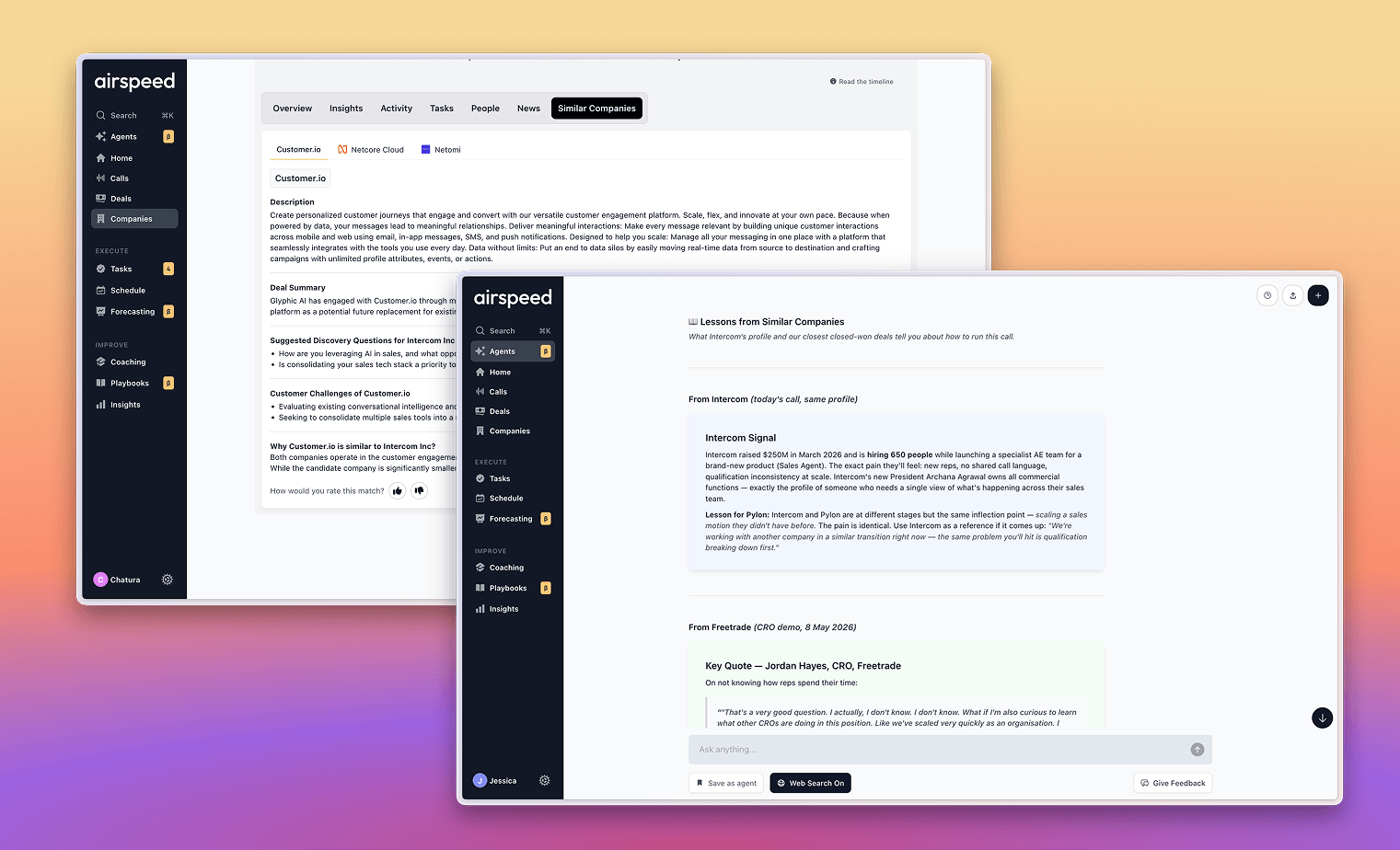
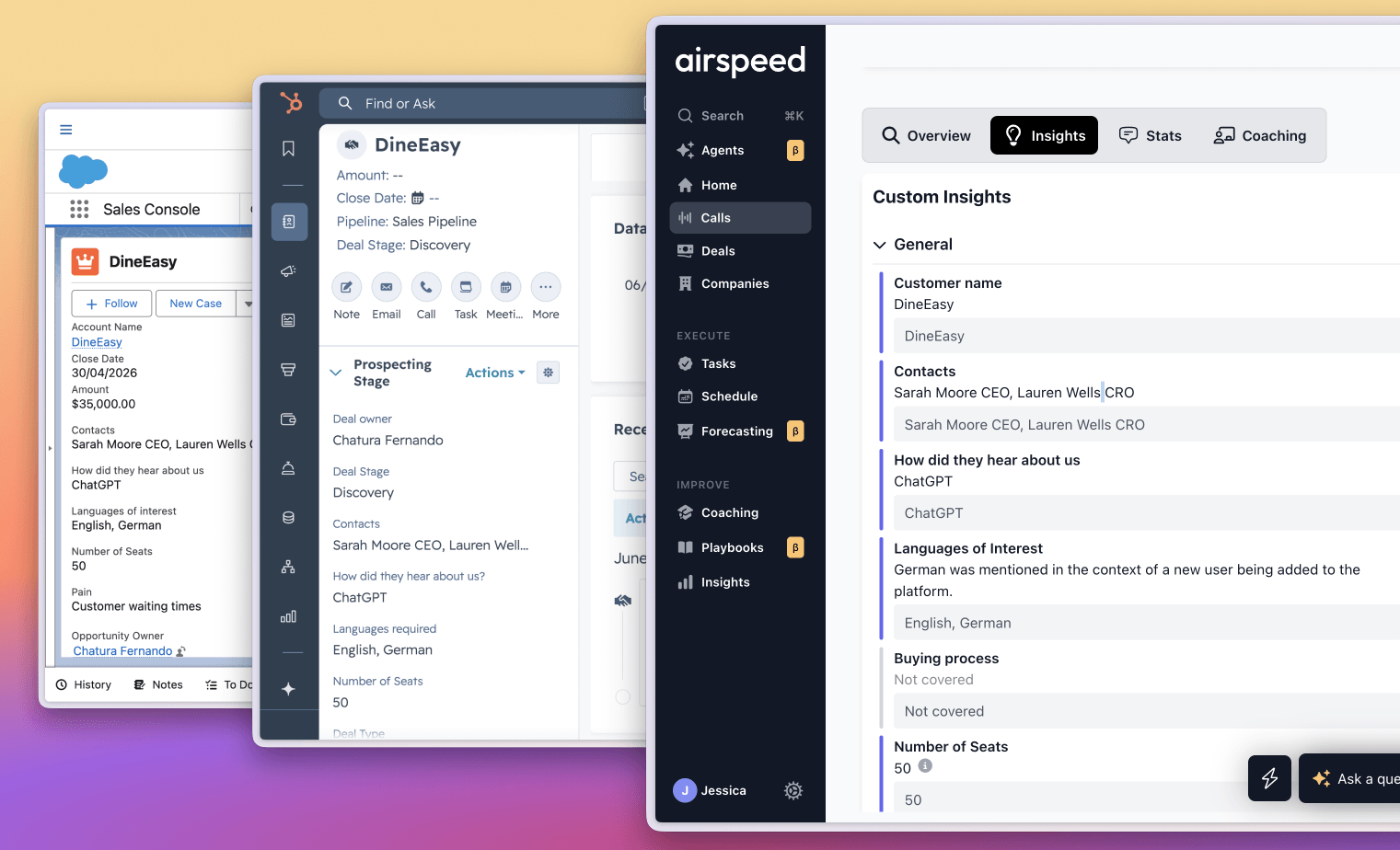
CRM hygiene
Never fill out a CRM field again
The CRM Hygiene Agent extracts the right fields from every call and writes them straight into Salesforce or HubSpot, without you lifting a finger. Meetings, notes, tasks, and contacts are created automatically, so your CRM stays a live record of what actually happened, not what you remembered to type at 6pm.
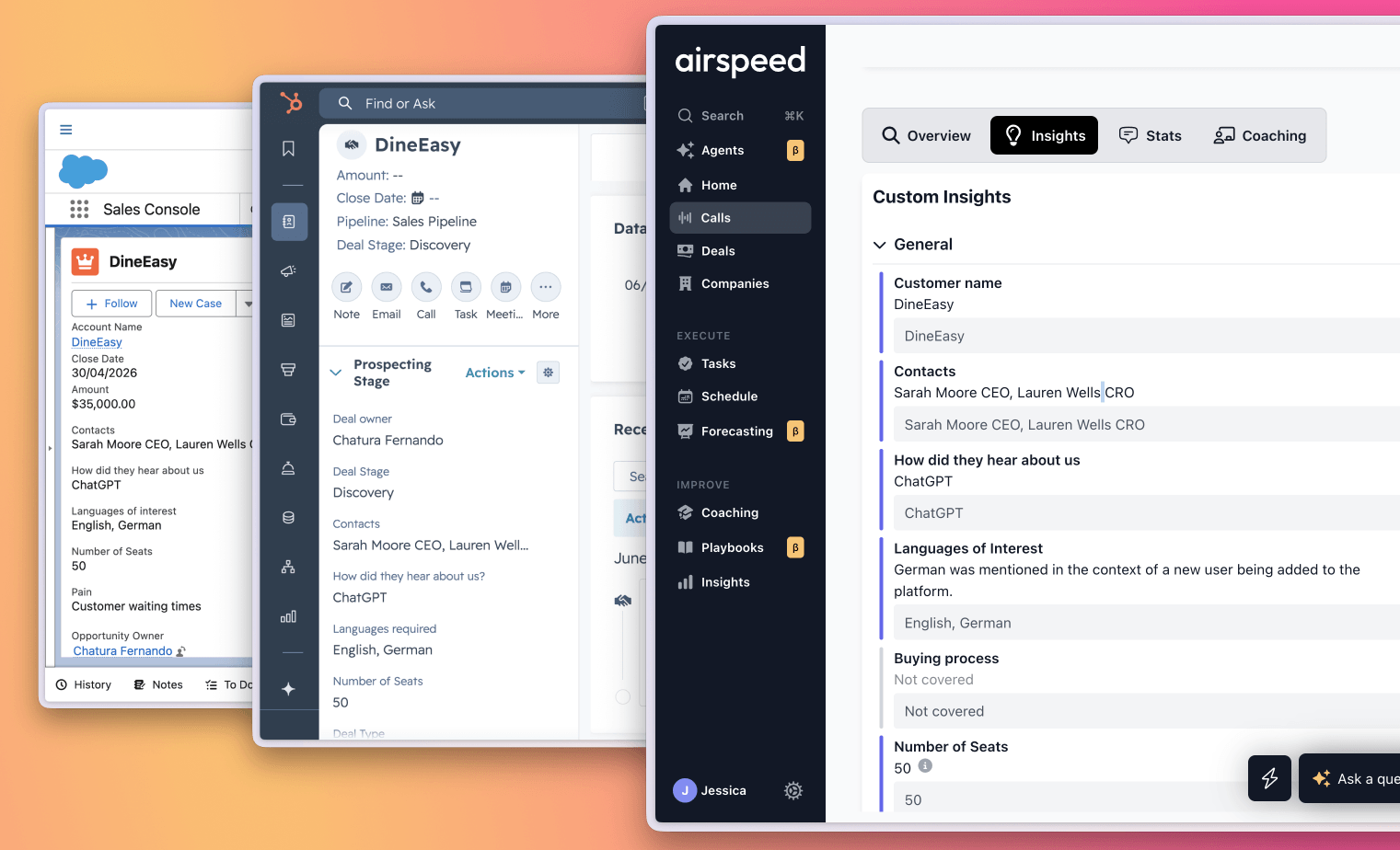
In-person meetings
Record the meetings that happen without a link
A meeting bot can only join a call that has a link. Airspeed also comes with you to the office visit, the trade show floor, and the coffee with a prospect. Add it to your home screen from app.goairspeed.com, then tap record at the table. The recording runs in your browser with a live waveform and keeps your screen awake until you stop.
Lost signal in the venue? The recording waits on your phone and uploads on its own once you are back online. A local copy stays on the device for 24 hours until the upload is confirmed.
Once it lands, Airspeed runs the meeting through the same pipeline as a video call: transcript, summary, CRM update, tasks, and a follow-up draft. You do not type up notes on the drive back.
Deal summary & next steps
Never be the reason a deal is blocked
Airspeed builds a running plan from every interaction, carrying forward each call, email, and milestone, and picks up the clear next steps. You always know exactly what to do to move the deal forward.
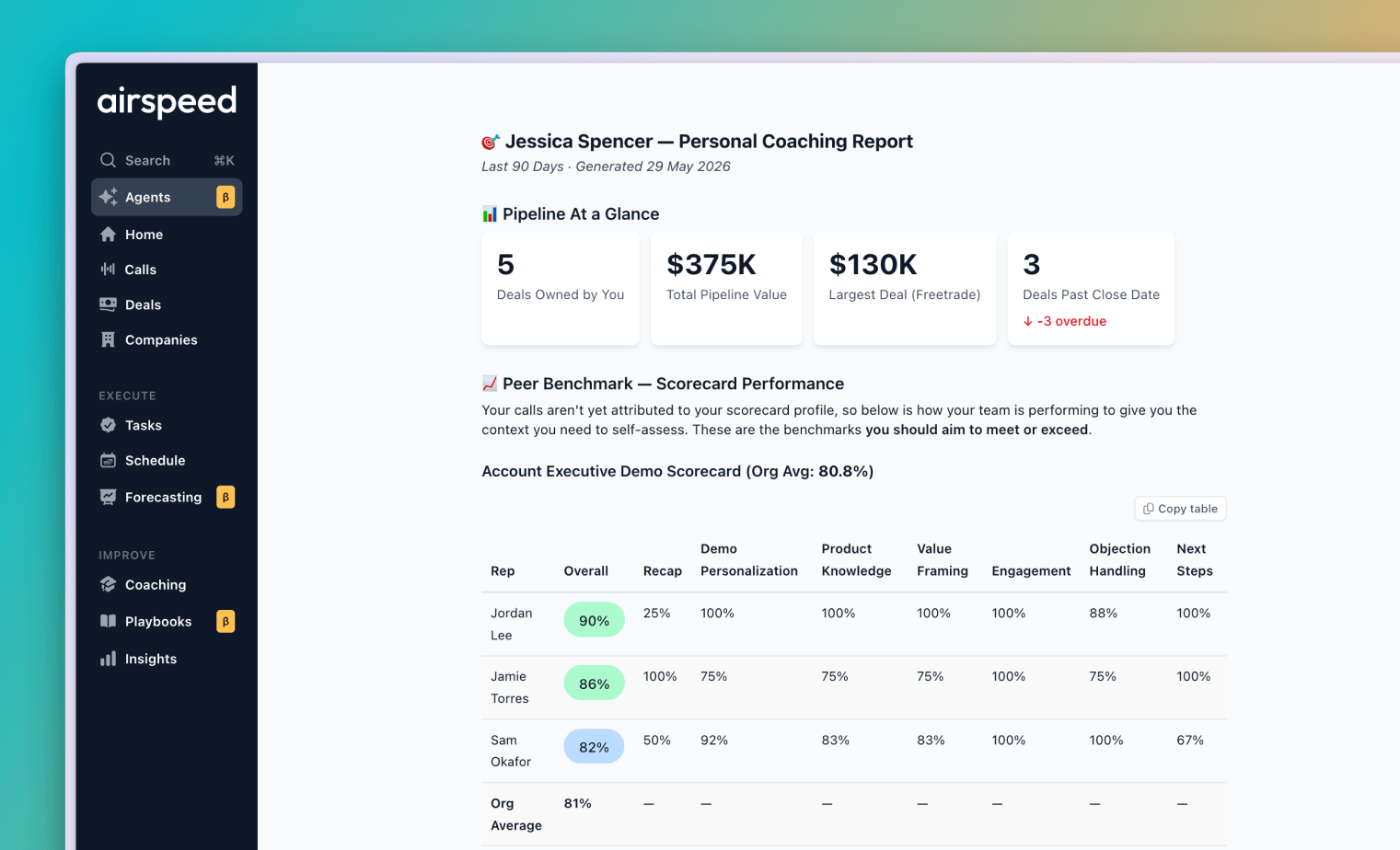
Coaching
A coach in your corner, every morning
Airspeed gives you your own coaching dashboard with scores, trends, improvement suggestions, and high-performing examples from colleagues, delivered in a personalized format every morning.
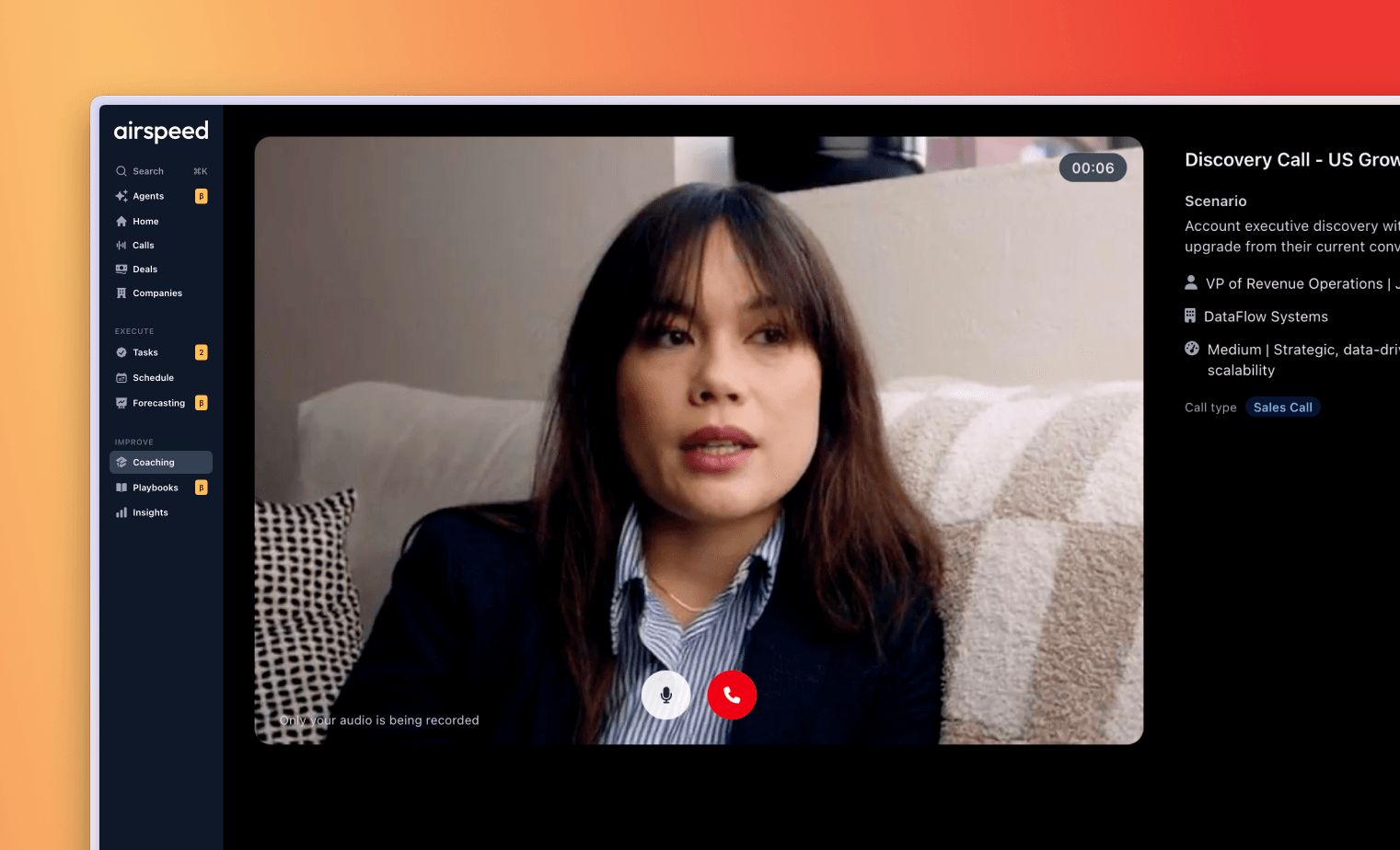
AI roleplay & simulation
Practice on a buyer that fights back
The avatar isn't generic. It learns from your actual calls: how your real buyers push back, what objections come up, how deals stall. Rehearse the hard conversations before they count, and get sharper every time you use it.
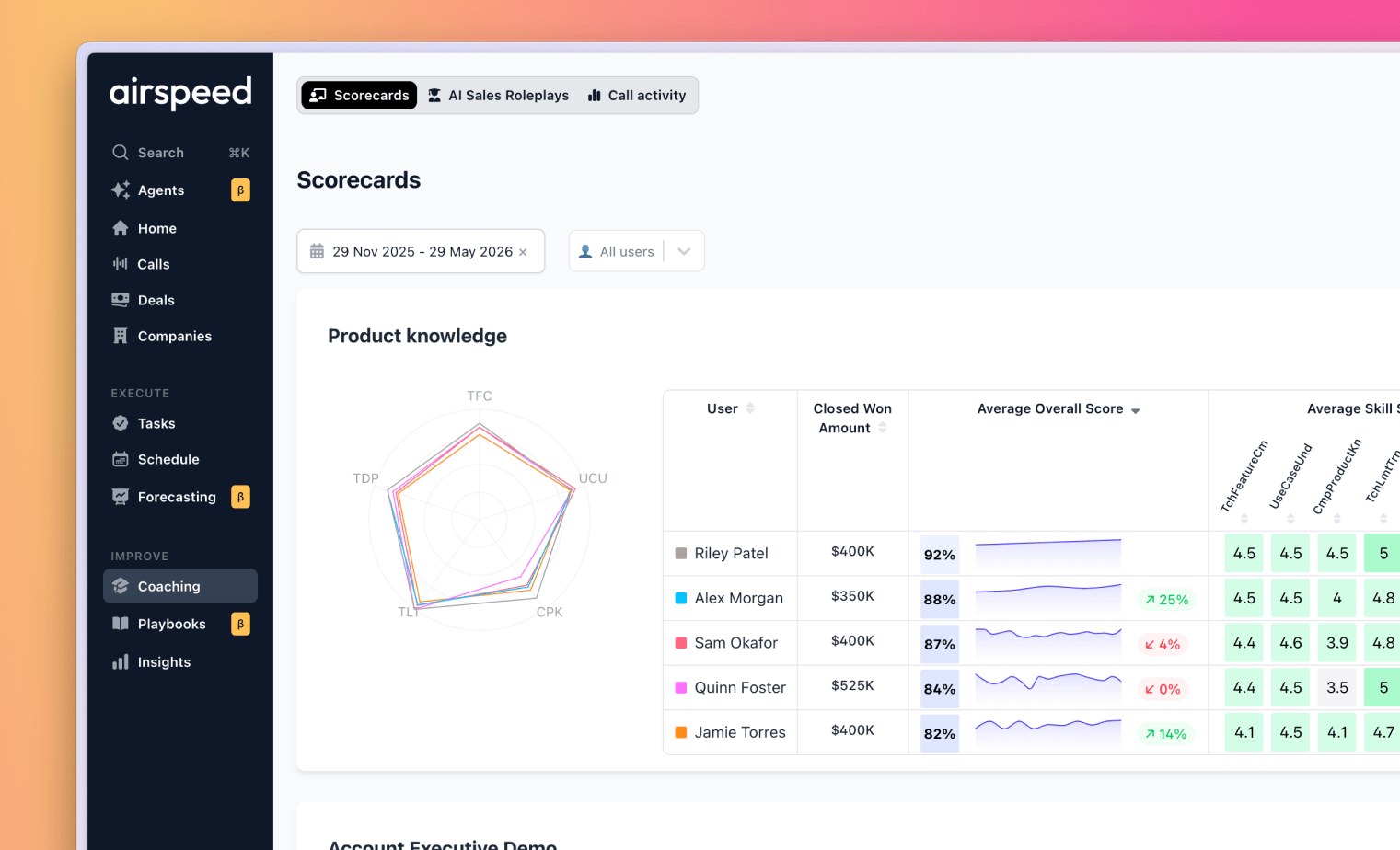
Talk stats
See the talk stats behind your best calls
Your best calls have a rhythm. Airspeed tracks your talk time, talk-to-listen ratio, and talk speed across every call and correlates them with closed deals, so you can see where you sit and what to adjust.
Slack
Stay in the loop without leaving Slack
Airspeed brings the intelligence to where you already work. Call summaries, deal warnings, and answers to Ask Airspeed are delivered into Slack automatically, the moment they matter, so you never have to log into another tool to know what's going on with your deals.
Frequently asked questions
What does Airspeed do for a sales rep day to day?
It removes the work around the selling. You walk into every call fully briefed, CRM fields are written for you after the call, meetings without a link still get recorded, follow-ups get drafted, and a coaching summary lands every morning.
Do reps still have to fill in CRM fields?
No. Airspeed extracts the fields from the conversation and writes them to the CRM, so the record reflects what was actually said rather than what the rep remembered to type at the end of the day.
How do reps practise before a difficult call?
With roleplay built from your team's real calls, so the simulated buyer pushes back the way your actual buyers do rather than following a generic script.
Can I share one moment from a call instead of the whole recording?
Yes. Share the moment rather than the full recording, so a colleague or a customer gets the 90 seconds that matter instead of an hour of audio.
Do I have to leave Slack to stay on top of my deals?
No. Airspeed sends what changed to Slack, so the update reaches you where you already work rather than waiting in a dashboard nobody opens.
Spend more time selling
Focus on the deal. Let Airspeed do the rest.
Airspeed is the commercial brain for revenue teams. See it on your pipeline in 30 minutes.
Also built for Revenue Leaders and Revenue Operations. Comparing tools? See how we compare to Gong, Chorus, and other conversation intelligence platforms.
Explore Airspeed
Most AI sales tools tell you what happened on the call. Airspeed does the work after it: your pipeline worked, your CRM updated, your reps coached, your forecast called.
The platform
For your team
Learn and compare