
🎙️📤 Manual Call Upload
You can now easily add any conversation to Airspeed with our new call upload feature. Whether it’s an in-person meeting, a phone call from a different platform, or any other recorded conversation, you can now add...
You can now easily add any conversation to Airspeed with our new call upload feature. Whether it’s an in-person meeting, a phone call from a different platform, or any other recorded conversation, you can now add these manually for analysis.
Here’s how to do it:
- In the top-right corner of the calls table, click on “Upload Call.”
- Enter a title and, if needed, the start time.
- Upload your audio or video file.
- Click “Process Call.”
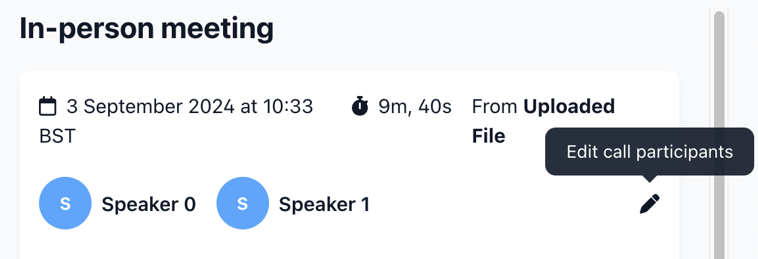
Once the transcript is ready, you can easily update the names and emails of the speakers by clicking on the edit button 🖊️ next to the list of speakers. This will automatically associate the call with the correct company based on the emails.
While the Airspeed Notetaker captures most of your calls automatically, this upload feature is perfect for those occasional moments when you need to add a recording yourself. Now, you’re covered for every conversation!